

01
Something small
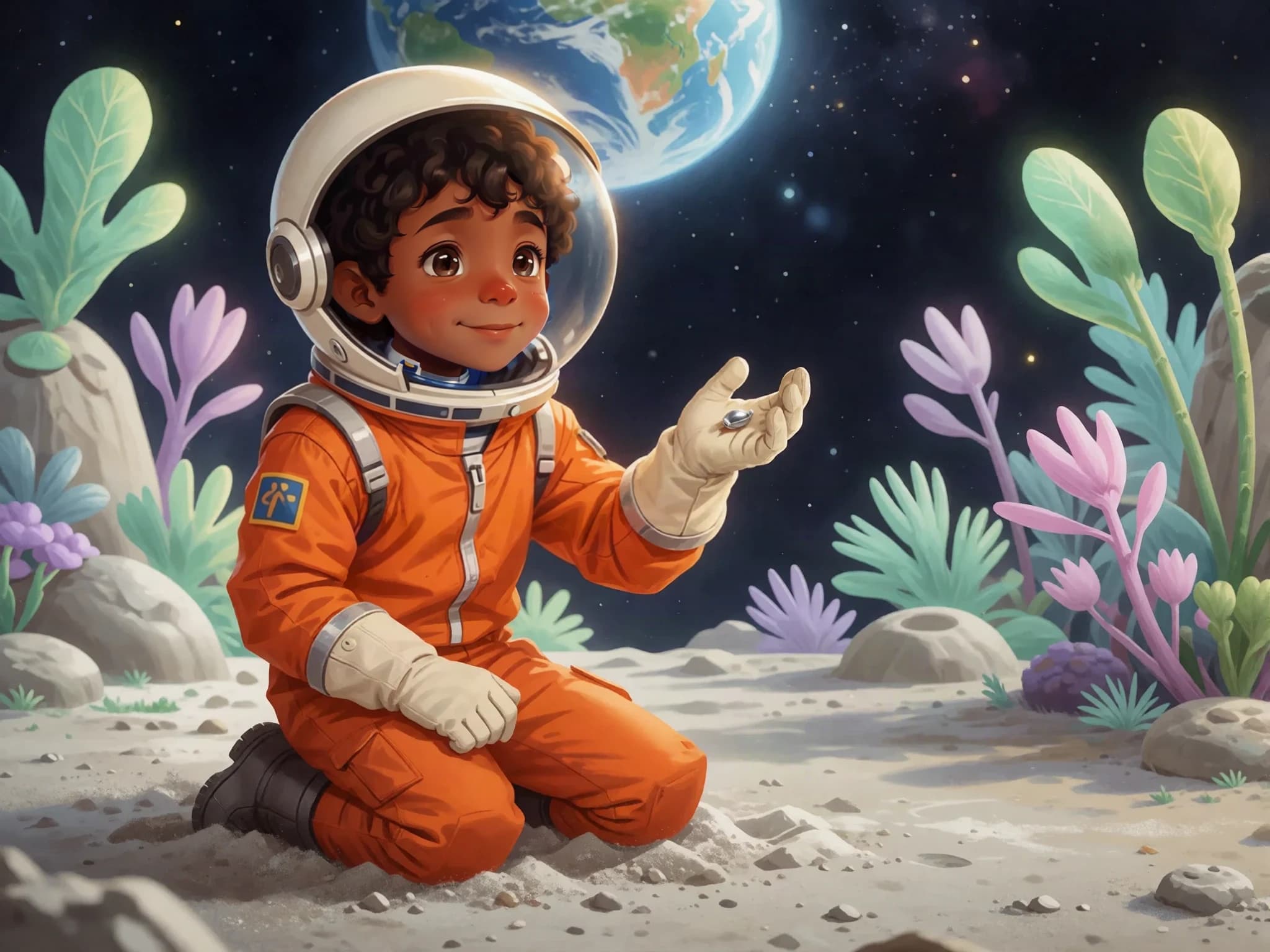
Beside a moon rock, Leo found something smaller than a button. It was a seed, silver and smooth. ‘What could you become?’ he wondered.
An idea is a lovely place to start
Start with a short description. Childbook creates a story and pictures, then gives you the tools to review the words, characters, and pages.
Sample created with Childbook.ai · Artwork and text you can review and edit.
Leo and the Moon Garden
A young astronaut finds a seed on the Moon. What happens next?
A little look inside
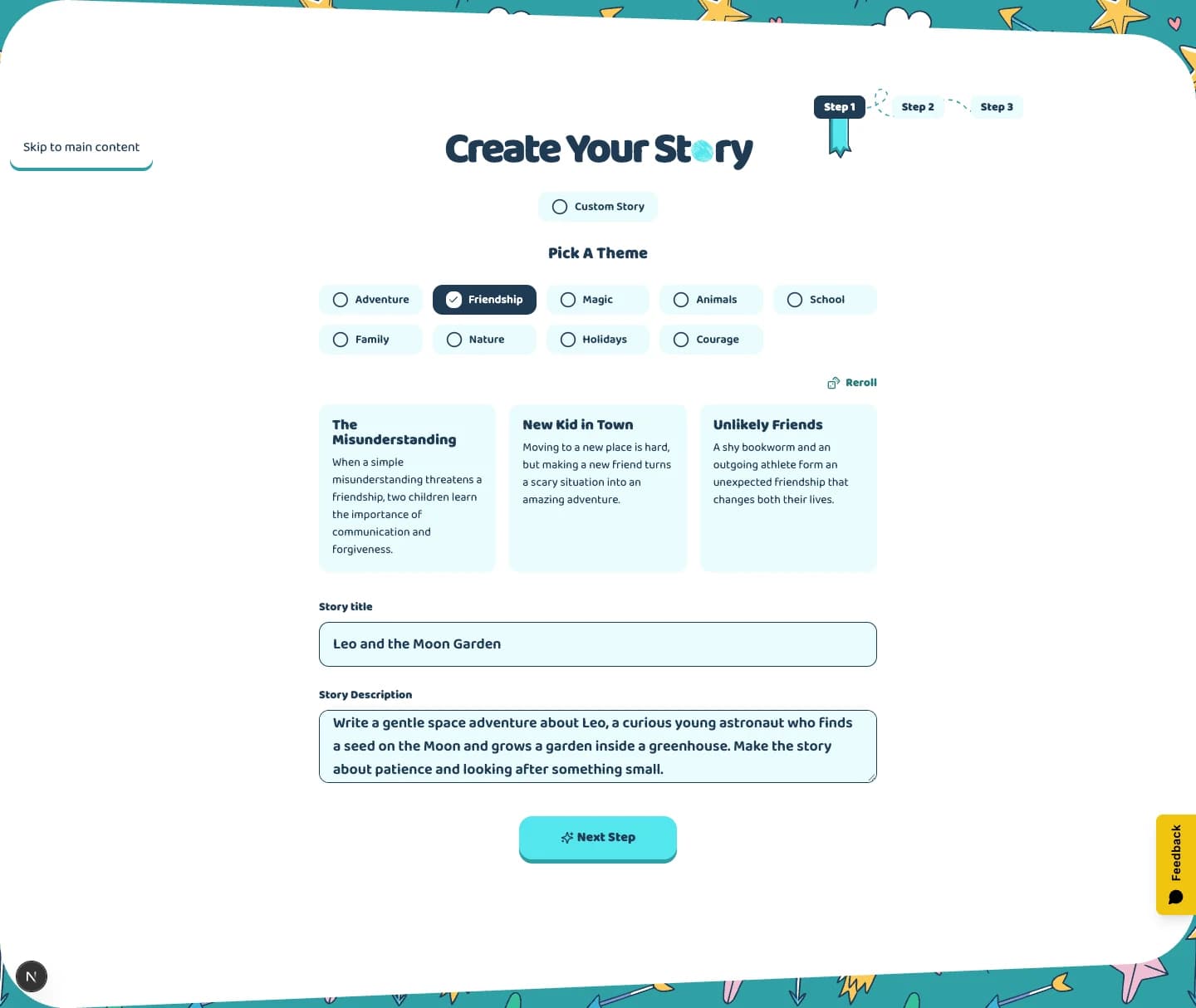
Write a gentle space adventure about Leo, a curious young astronaut who finds a seed on the Moon and grows a garden inside a greenhouse. Make the story about patience and looking after something small.
Leo and the Moon GardenSample created with Childbook.ai · Four illustrated excerpts
Beside a moon rock, Leo found something smaller than a button. It was a seed, silver and smooth. ‘What could you become?’ he wondered.
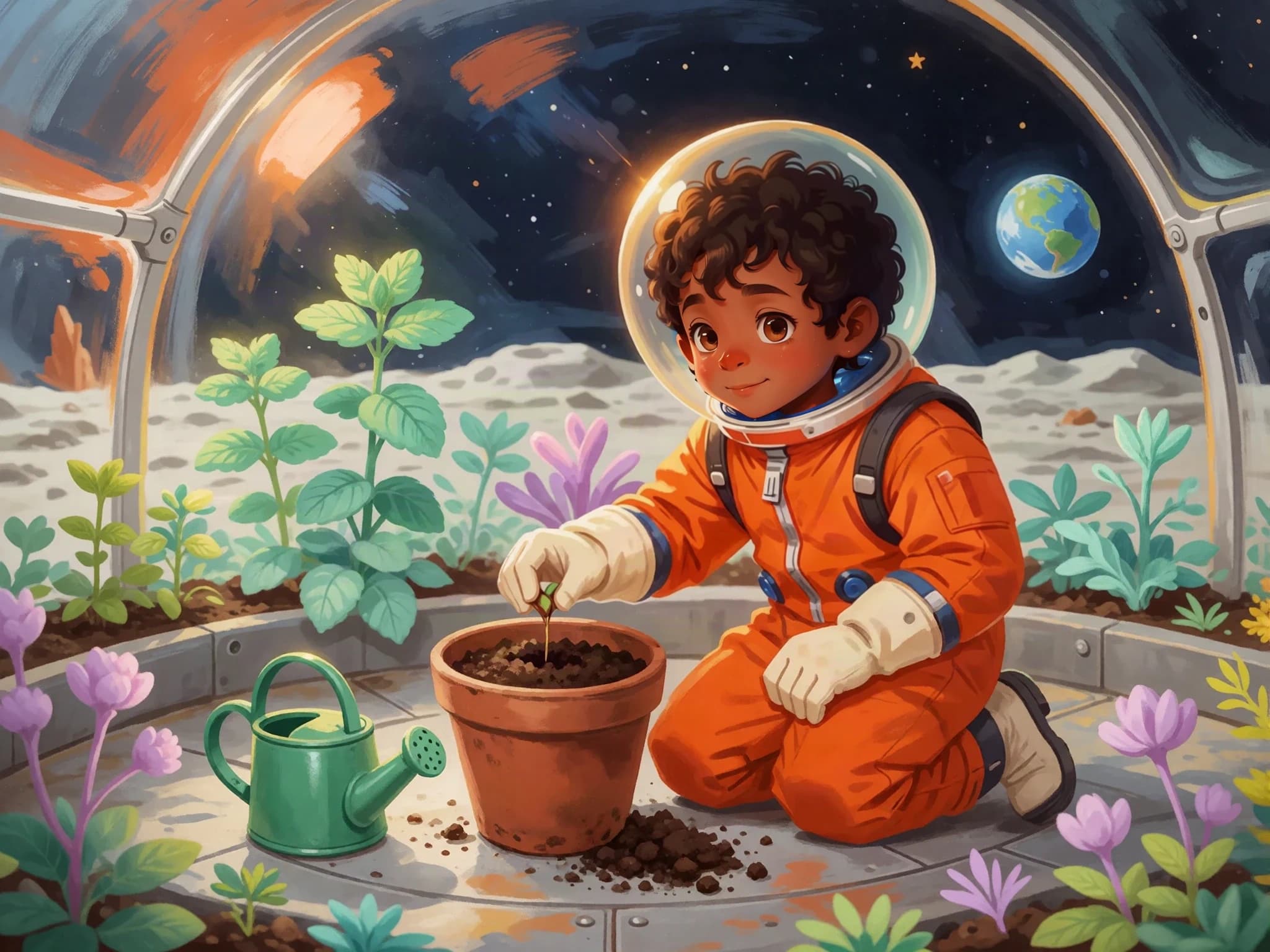
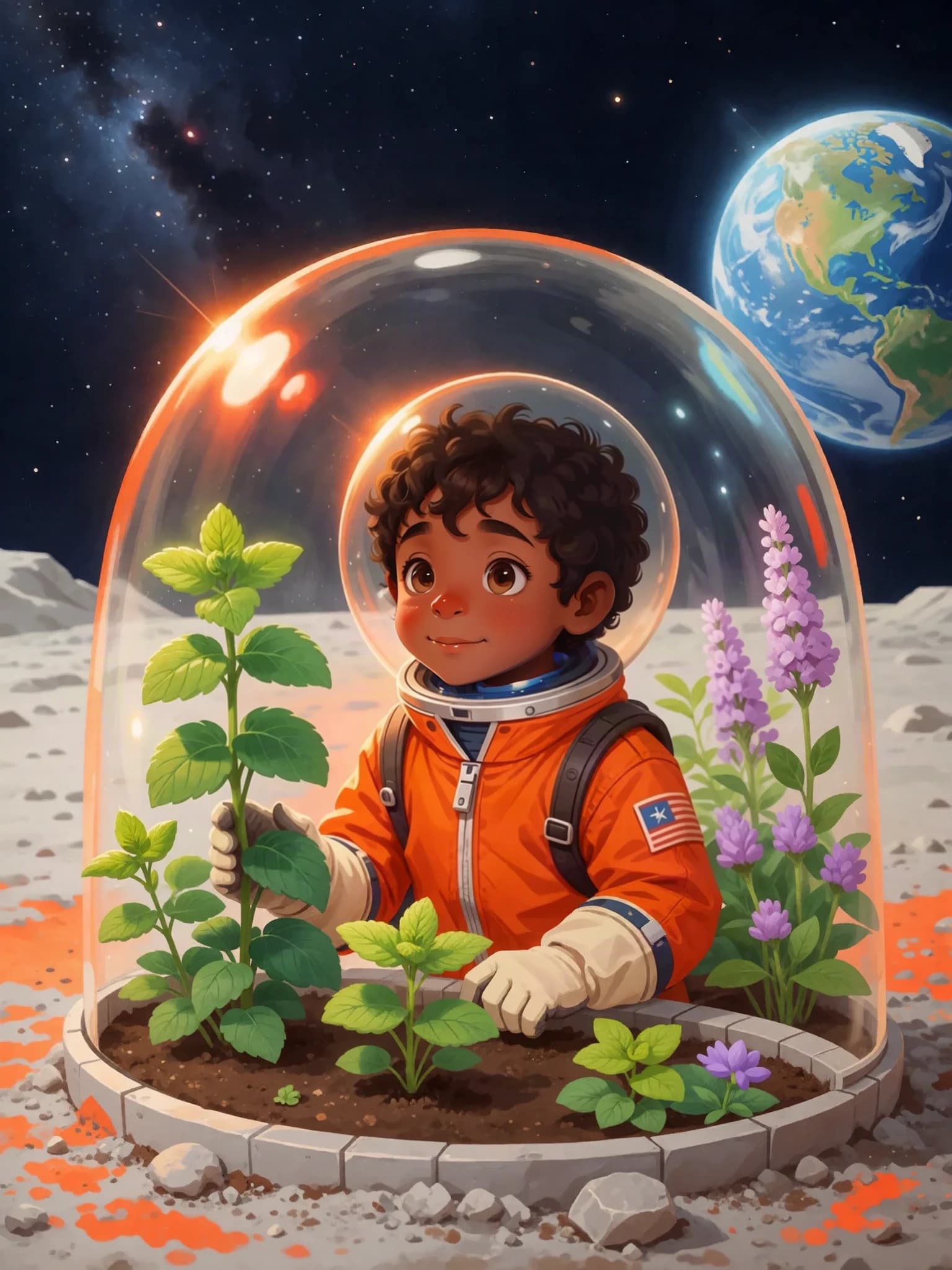
Inside the greenhouse, Leo filled a pot with soil. He tucked the seed into its new home and gave it a little water. Then he waited.
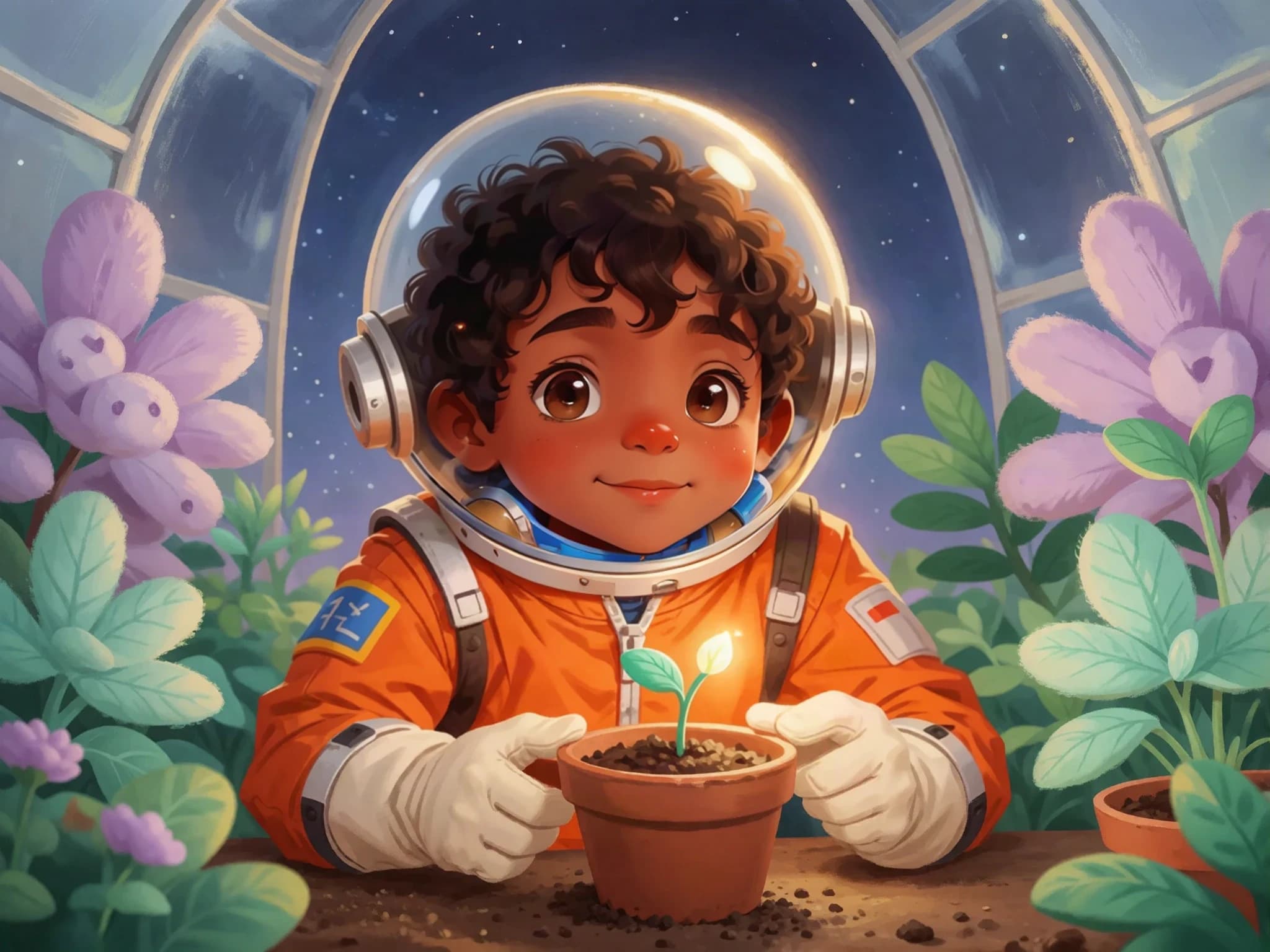
For three mornings, nothing changed. On the fourth, a tiny green leaf appeared. Leo smiled. Small things were doing big work.
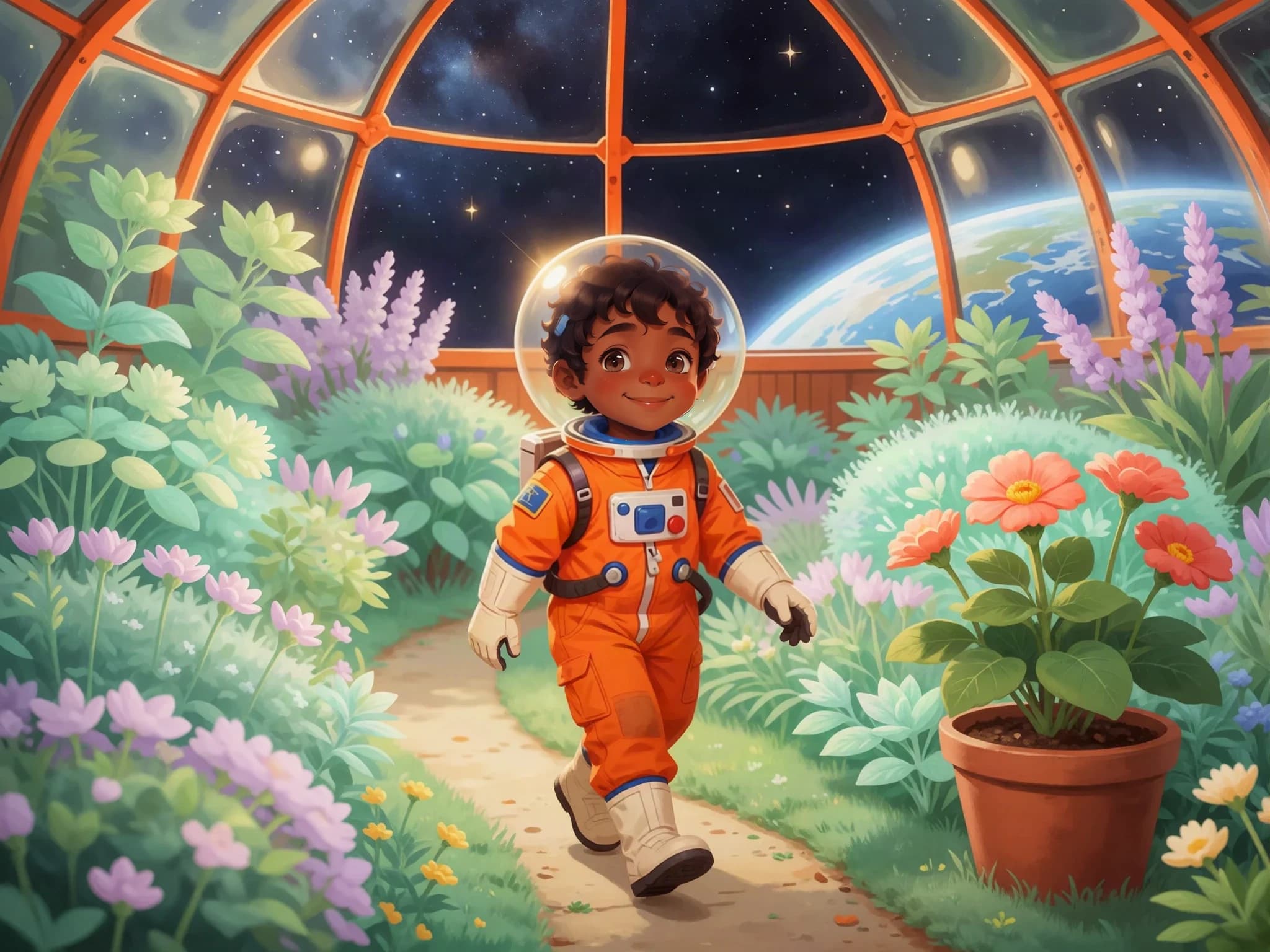
Leaf by leaf, the greenhouse became a garden. Leo watered, waited, and watched. On the quiet Moon, something wonderful was growing.
The useful part
Describe the idea and get a draft to review. Change the words and details until they tell the story you want.
Create the cast and illustrated scenes, then review how the action carries from one page to the next.
Continue with a book layout you can refine, download, or prepare for eligible print ordering.
One cast, one story
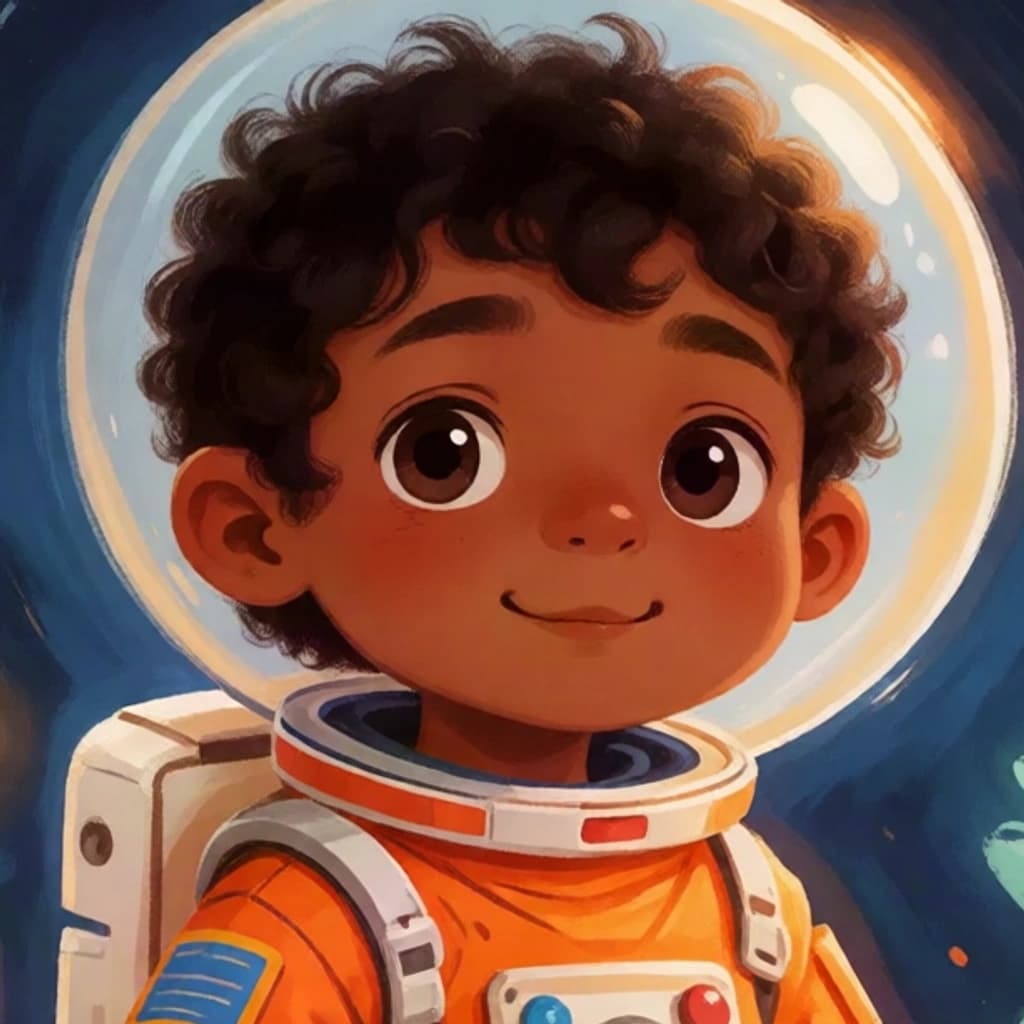
Leo’s face reference
Fictional demo character
From the first idea to the final page
Include the characters, setting, and what you want the story to be about.
Set the appearance of the characters who will appear in the pictures.
Read the story and look through the illustrated pages.
Adjust text and artwork, then choose download or eligible print options.
Make it yours
Shorten a passage, change a detail, or rewrite an ending in the editor.
Generate a different take when an image needs a change. Review the details before choosing it.
Adjust how text and artwork sit together, and review the cover before exporting.
Beyond the preview
Start with the main character, setting, and a simple idea for what happens. Add the interests, tone, or message you want to explore.
It creates story text, characters, illustrations, a cover, and a book layout. Review the result and make changes before you finish.
Yes. Edit the text and layout, and generate alternative illustrations when you want to change the artwork.
Use Childbook Illustrator to work from your existing text and choose which scenes to illustrate.
Book and illustration allowances depend on your plan. Generation time varies with the project and queue; you can follow progress in the app. Check current pricing for allowances and additional generation options.
You can download a finished PDF. Eligible books can also be submitted for print quoting in supported destinations. Printing and shipping are separate.
Your next page starts here