

01
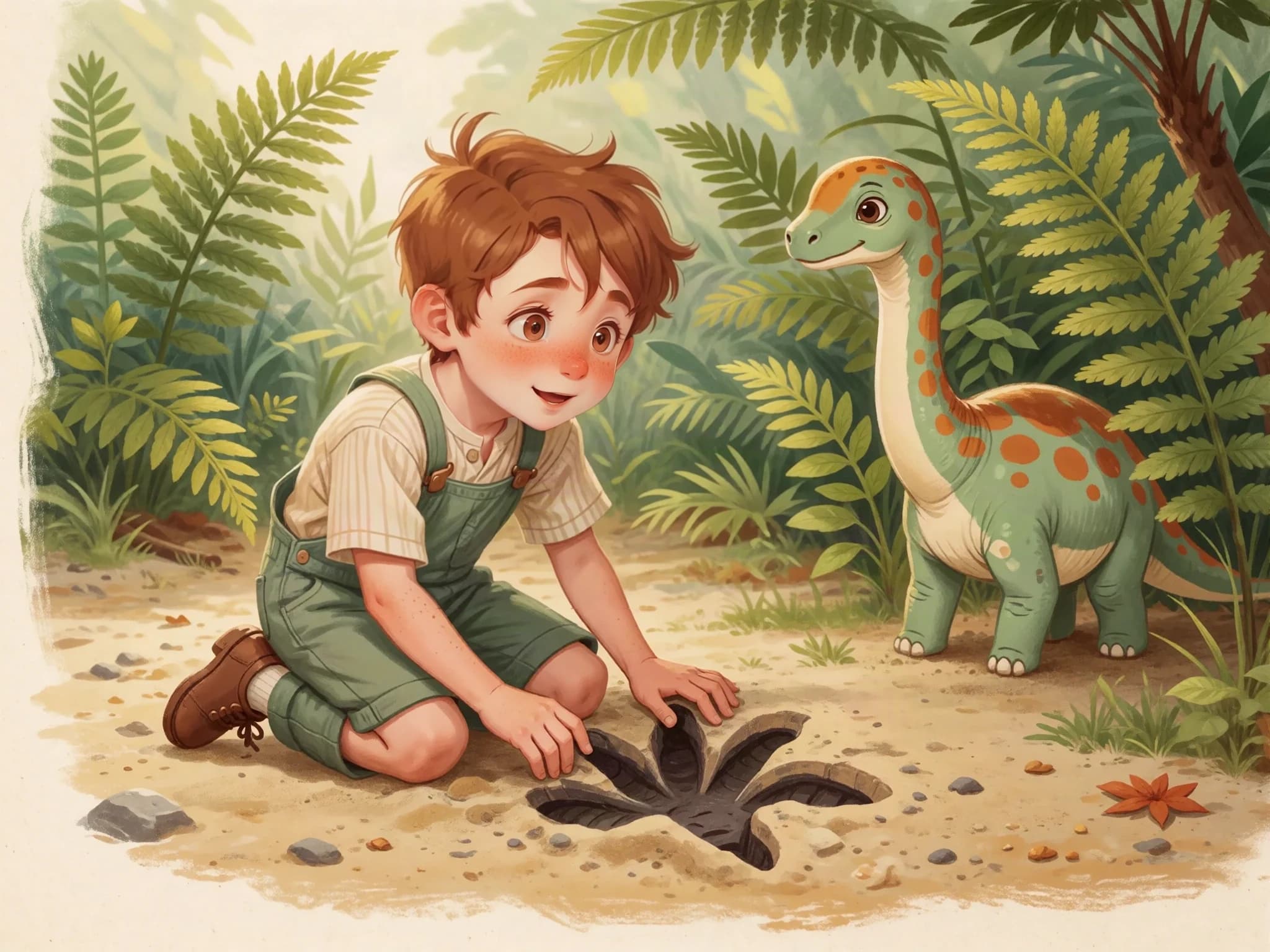
Whose footprints?
Theo found a footprint bigger than his shoe. Then he found another. ‘Someone with very big feet has been here!’ he said.
For little interests with big possibilities
Combine a topic you are exploring with the things your child loves. Make an illustrated story you can read, adapt, and talk about together.
Sample created with Childbook.ai · Artwork and text you can review and edit.
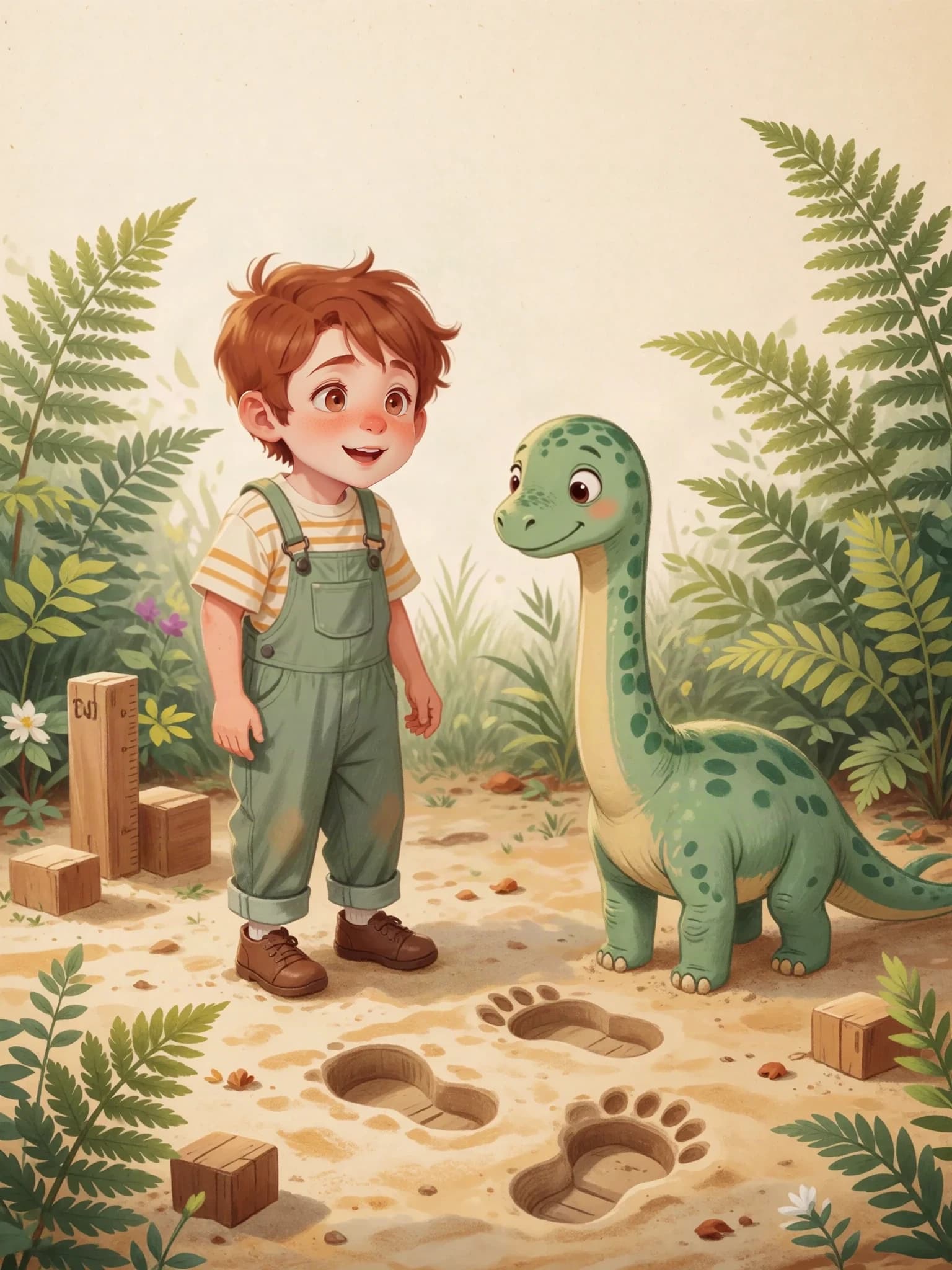
Theo and the Dinosaur Footprints
A favorite dinosaur. A footprint. A reason to start measuring.
A little look inside
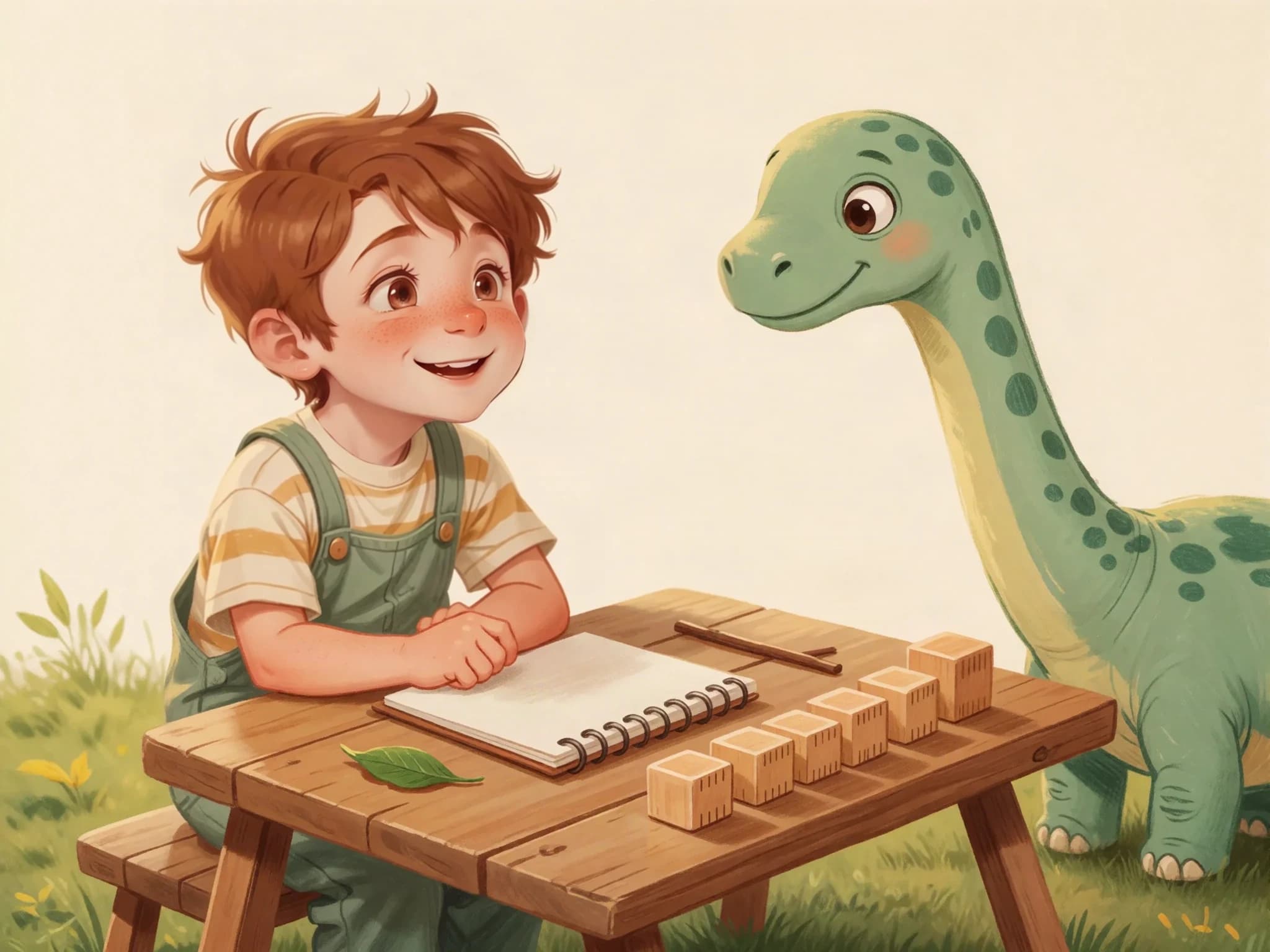
Make a playful story for a child who loves dinosaurs and is learning to compare lengths. Theo finds dinosaur footprints and measures them with equal-sized wooden blocks placed end to end. Keep the language simple and invite us to try measuring something at home.
Theo and the Dinosaur FootprintsSample created with Childbook.ai · Four illustrated excerpts
Theo found a footprint bigger than his shoe. Then he found another. ‘Someone with very big feet has been here!’ he said.
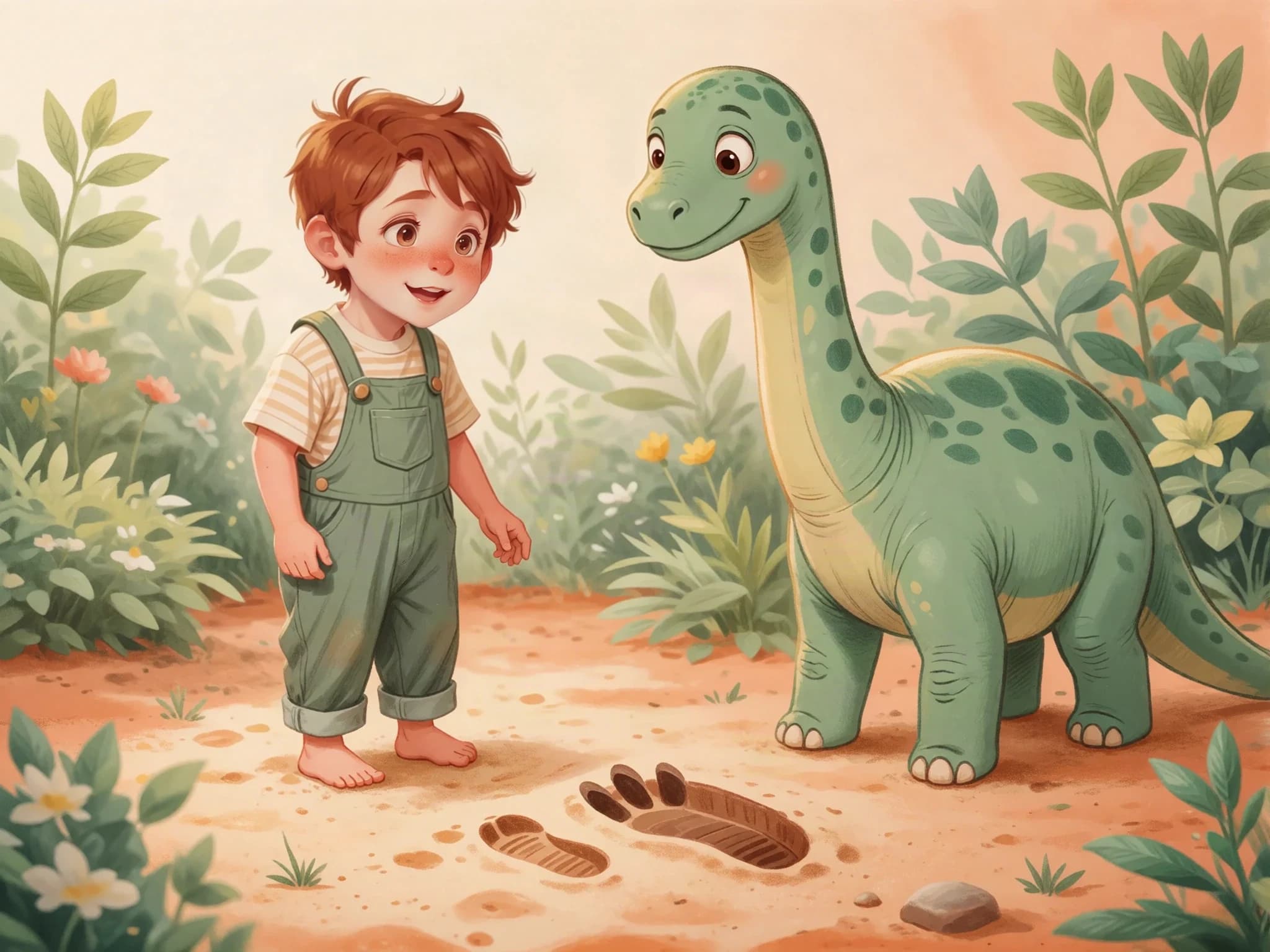
Theo put his foot beside the print. His footprint was shorter. His new friend's footprint was longer. But how much longer?
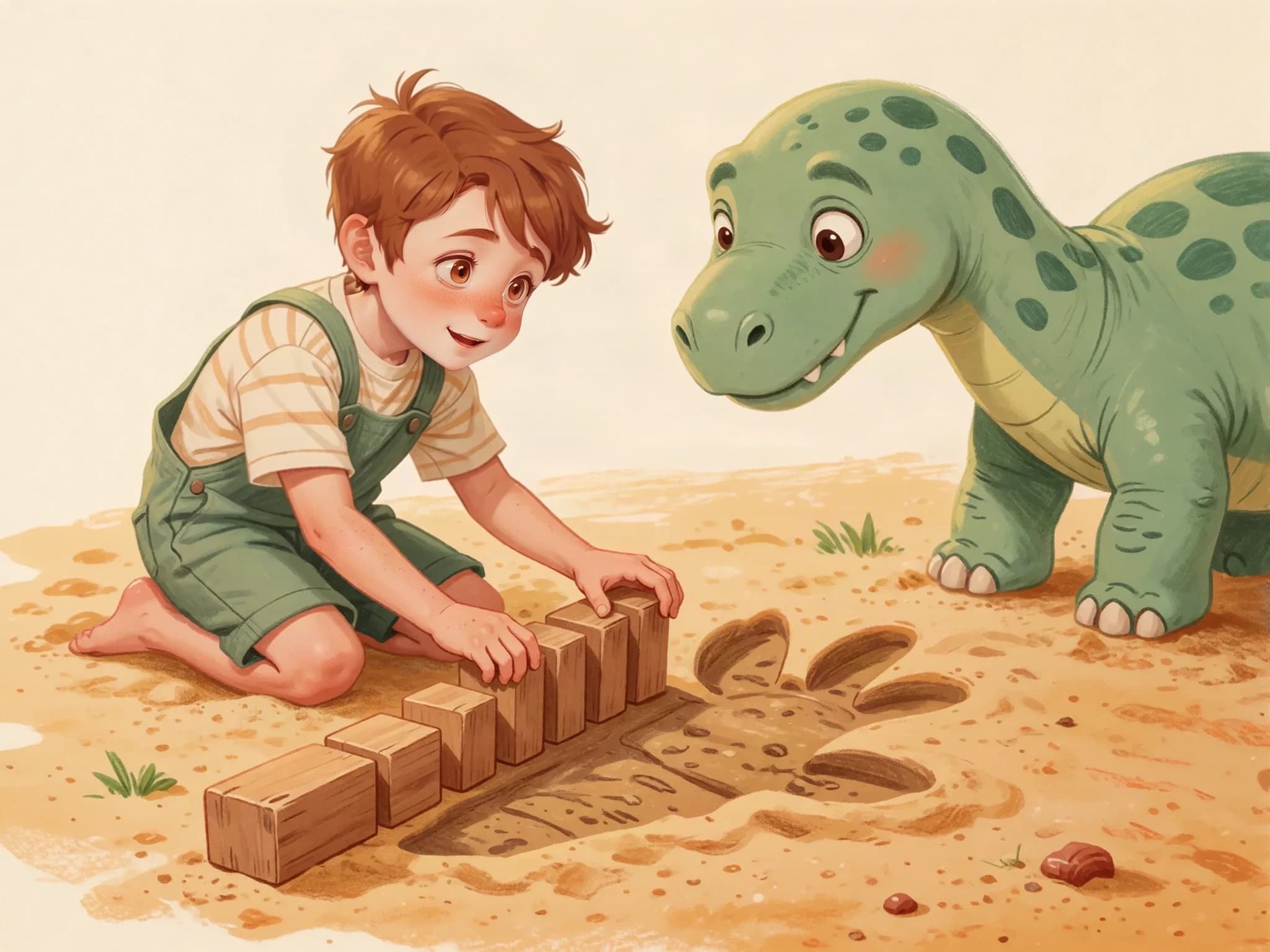
Theo lined up matching blocks from one end to the other. He left no gaps. ‘Now I can compare the lengths,’ he said.
What else could they measure? A leaf, a stick, perhaps a very long tail. Theo had a garden full of questions—and a friend to help.
The useful part
Dinosaurs, space, gardening: use a favorite subject as the setting for an idea you want to explore.
Read the draft aloud. Shorten a passage, explain a word, or change a detail to fit the conversation you want to have.
Use the story as a starting point for measuring, noticing, counting, or finding out more together.
A wording change you can make in the editor
Theo compared the relative dimensions of the footprints using identical units.
Theo lined up matching blocks from one end to the other. He left no gaps. Which footprint was longer?
From the first idea to the final page
Start with something your child already likes talking about.
Describe the concept you want the story to explore.
Review the facts and pictures, and edit the wording together.
Save your project, download a PDF, or explore print options.
Where curiosity goes next
A little astronaut packs supplies and counts the things needed for a moon adventure.
A character notices how a familiar garden changes throughout the year.
Turn a journey into a story about places, landscapes, and things you noticed together.
Beyond the preview
Describe the interest, topic, and kind of story you want. Review the resulting explanation to make sure the connection makes sense.
Yes. Edit vocabulary, sentence length, and details. You decide what fits your child; the tool does not certify a reading level.
You can describe the cast you want and define characters for the story. Review the generated pictures and text for the details that matter to your family.
Yes. Edit the words and layout, and generate new takes on illustrations. Additional generation uses the allowances in your plan.
Save the project in your account and download a finished PDF. Eligible books can be quoted for print, with printing and shipping charged separately.
Childbook is a story creation tool. You choose the learning goals, check the material, and decide how to use it alongside your other resources.
Your next page starts here